


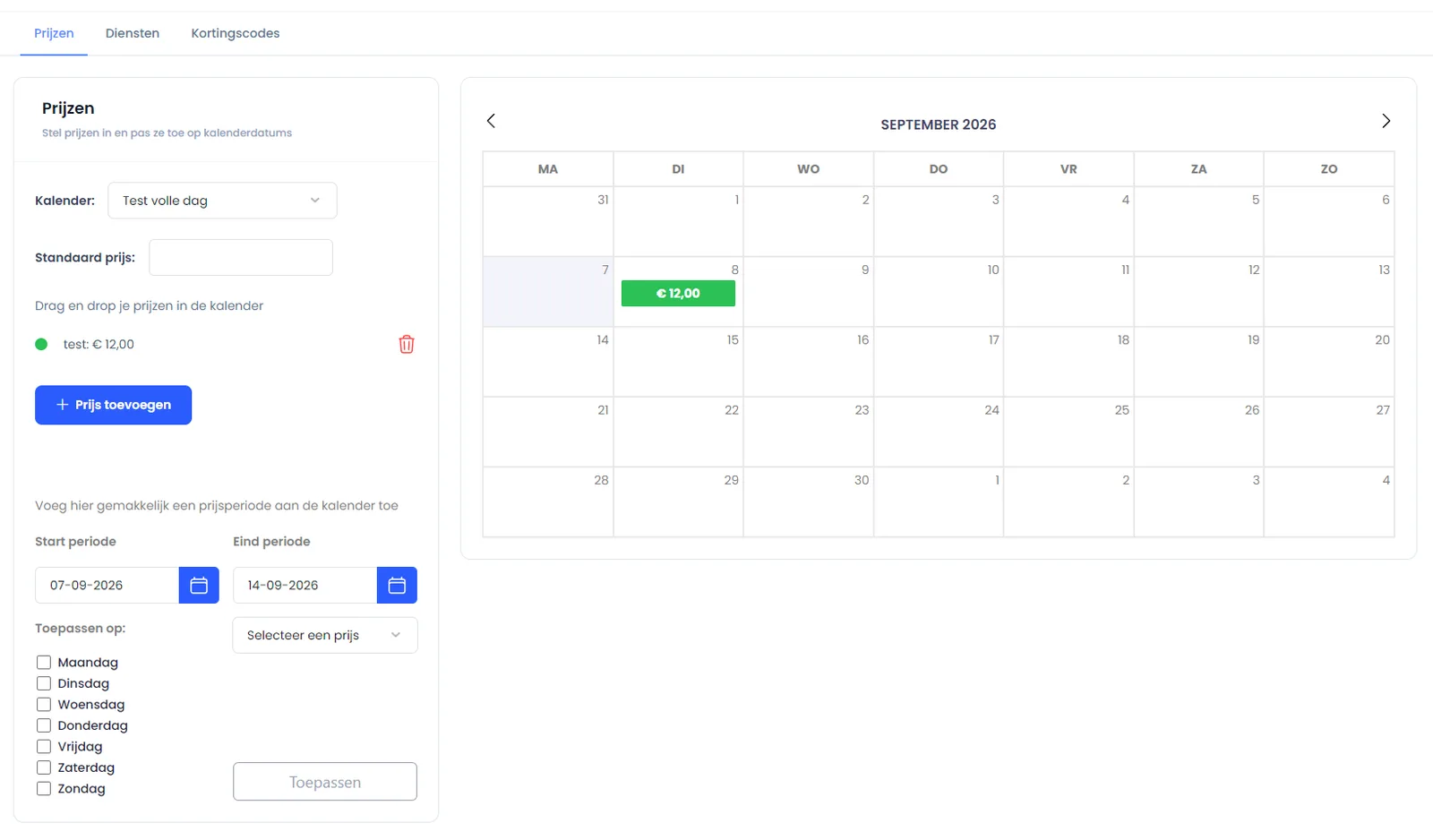
Entering prices in your calendar
1
Entering a default price
Use this method to quickly add a default price to your entire calendar. Read the guide for entering a default price here:
2
Adding bulk selection prices
Do you want to assign a price to multiple days or an entire period at once? Then use the bulk selection feature. Read the guide for using bulk selection here:
3
Drag & drop pricing
With drag & drop, you can easily drag a rate from your price list directly onto a specific day in the calendar. Read the guide for dragging and dropping prices here:
- checkDrag & drop pricing
Was this guide helpful?
Ask support a question